
ReiBoot
ReiBoot is a Tenorshare utility for Windows that puts an iPhone or iPad into or out of recovery mode and repairs common iOS system problems.
69.7 MB

3uTools is a free Windows program for managing an iPhone or iPad from a PC, including files and device information.
Average 0.0 · ratings: 0
Thank you! Your rating is saved; you can change it. Could not save the rating. Please try again later. Too many ratings from your network today. Please try again tomorrow. The average appears after 5 ratings.
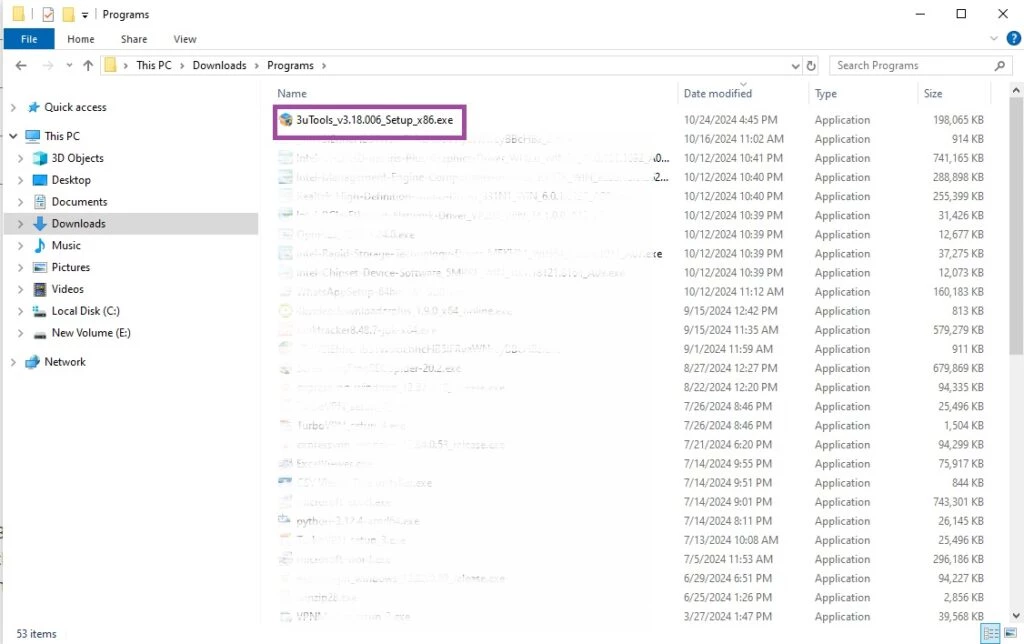
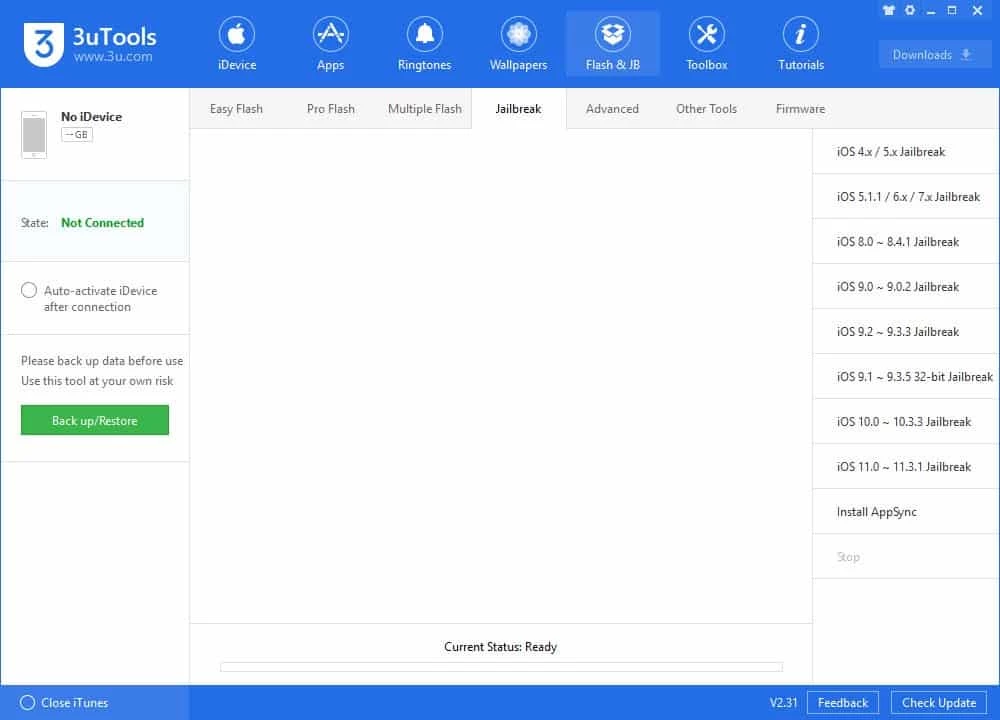
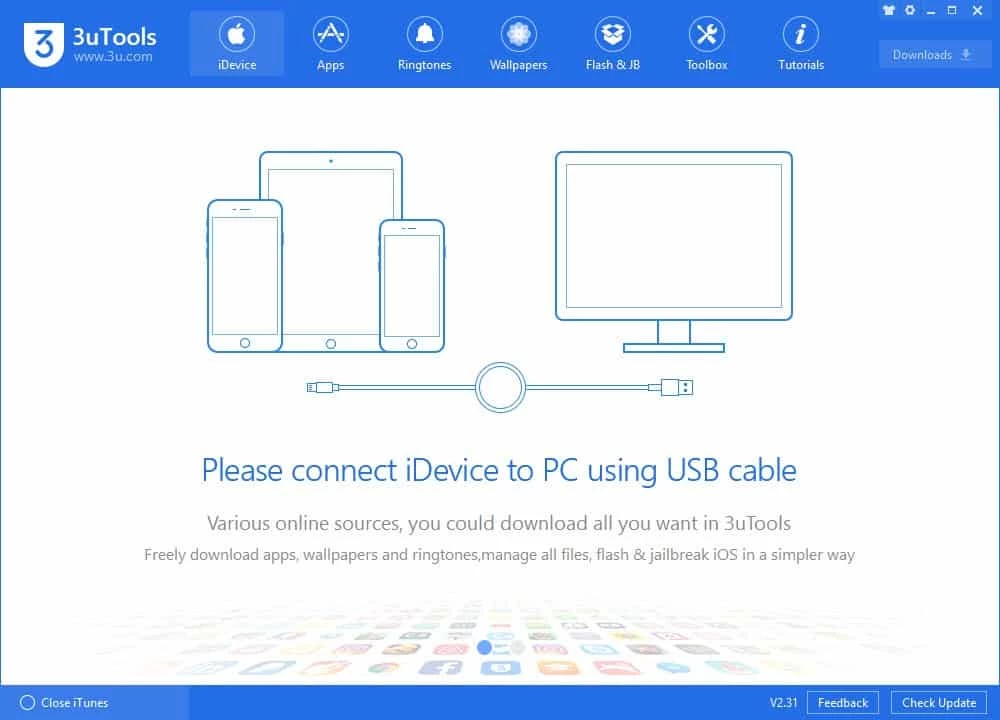
3uTools 9.10.006 is a free Windows program for managing an iPhone or iPad from a computer. It shows information about the connected device and helps you work with its files, and you can download 3uTools from the developer's official site.
3uTools is aimed at iPhone and iPad owners who use a Windows PC and want more direct control over their device than Apple's own software gives them. Typical users are people who move photos, music and documents between a PC and an iPhone, those who want to see detailed information about a used iPhone before buying it, and repair shops that check many devices a day. It also appeals to enthusiasts who like to look under the hood of iOS. For everyday owners who only need backups and updates, Apple's official tools remain the simpler and safer route, because they come from the maker of the device and are supported by Apple if something goes wrong. Think of 3uTools as a toolbox: useful when you know which tool you need, but not something to click through at random.
| Item | Details |
|---|---|
| Version | 9.10.006 |
| Developer | 3uTools |
| Platform | Windows |
| Works with | iPhone, iPad |
| Price | Free |
| Size | about 189.01 MB according to catalogue data |
The developer describes the changes of the V3 generation in What's New in 3uTools V3.
Make a full backup of the device before using any function that modifies it. Keep the cable connected and the PC awake during long operations, and do not interrupt a process halfway. If you are unsure what a function does, read the developer's tutorial first. Actions that alter the system software can leave the device unusable or affect warranty and support from Apple.
The program gets deep access to your iPhone, including personal data, so download it only from 3u.com. Copies on other sites may be modified. Disconnect the device when you are finished and avoid using the tool on computers you do not control.
Our listings include iTools, another iPhone management program for Windows, and ReiBoot for iOS system repair. For Android phones, Samsung Smart Switch and Huawei HiSuite are the official manufacturer tools.
ReiBoot is a Tenorshare utility for Windows that puts an iPhone or iPad into or out of recovery mode and repairs common iOS system problems.

DirectX 9.0c is an older version of Microsoft's multimedia and graphics APIs that many classic Windows games still need to run.

DirectX 10 is a version of Microsoft's multimedia and graphics API that comes with Windows; older games may also need the DirectX End-User Runtime.

Huawei HiSuite is Huawei's official PC suite for Windows and macOS for backing up, managing and updating Huawei phones and tablets.

DirectX 11 is a version of Microsoft's collection of multimedia and graphics APIs that Windows games and apps use to work with the graphics card and sound.

DirectX 12 is Microsoft's graphics and multimedia API for Windows. It is part of the system and updated through Windows Update and graphics drivers.

SamFirm is a free Windows tool that downloads and decrypts official Samsung firmware from Samsung's own update servers by model and region.

DriverPack Solution is a free Windows tool by Artur Kuzyakov that detects missing or outdated drivers and installs them from its own driver collection.